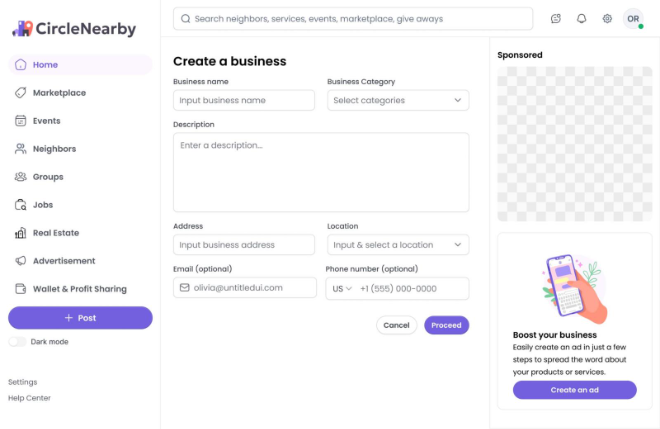
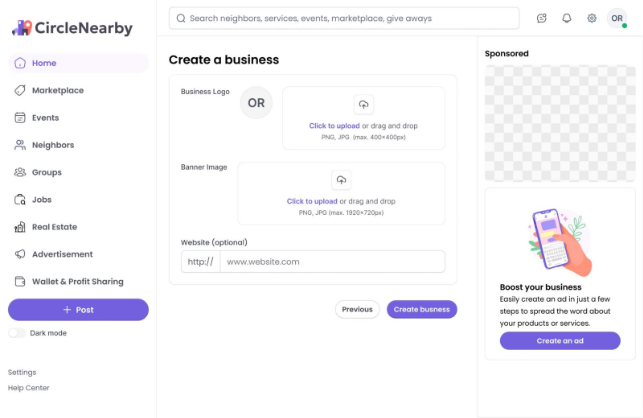
To Create an Account: You must Sign up first as a new user to have access to the site or app. After the signup process, you can also create a business account if you need one.
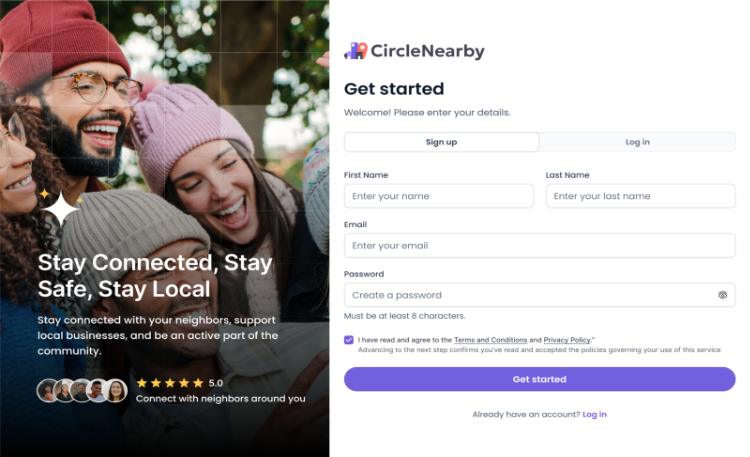
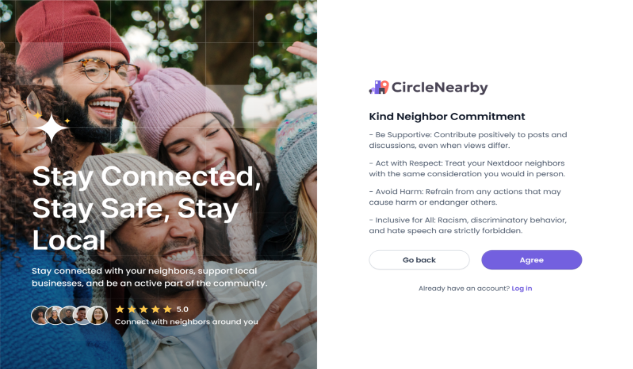
- An OTP will be sent to your registered email to complete the registration process. You will be required to fill in your DOB and also choose your location. Then proceed to the kind neighbor commitment agreement.
Your account is now ready. To edit your profile information, click on the icon at the top extreme corner where your initial is displayed, click on view profile, then edit profile.
- Upload a profile and cover picture and a bio
- Gender identity and Neighborhood
- Add a website link if desire
- Then save.
To create a business account as a new user, go to the extreme top right corner of the home page, where your profile pictures or your initials are displayed, click on it. You see a drop box that shows your profile name and view profile, businesses (a user can have multiple business), “Create a business page” button, click on it and fill the form that appears with all appropriate information and create business.